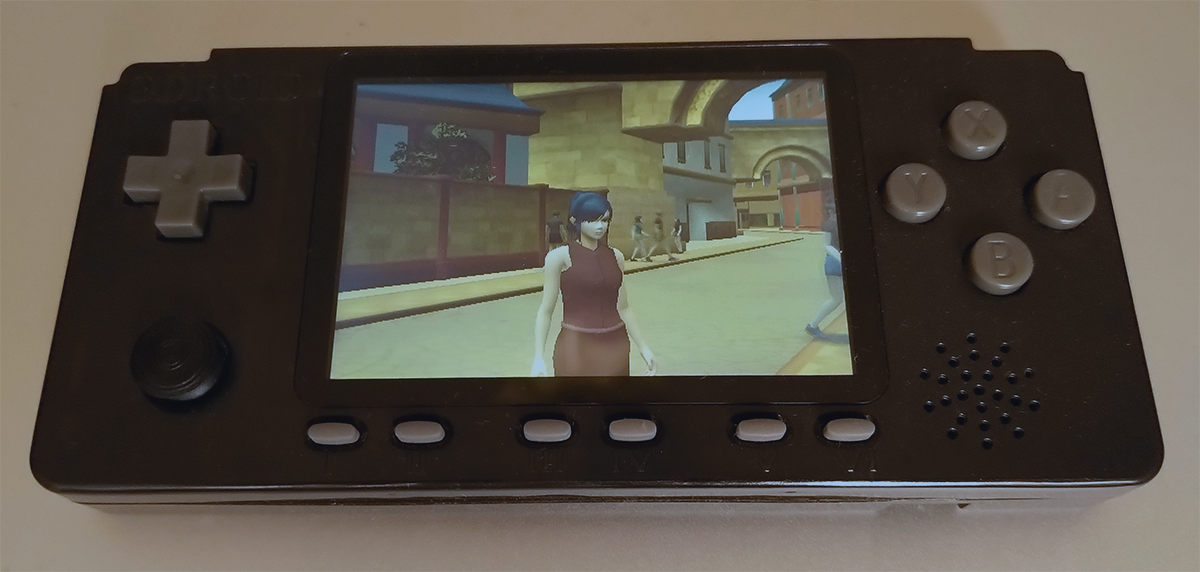
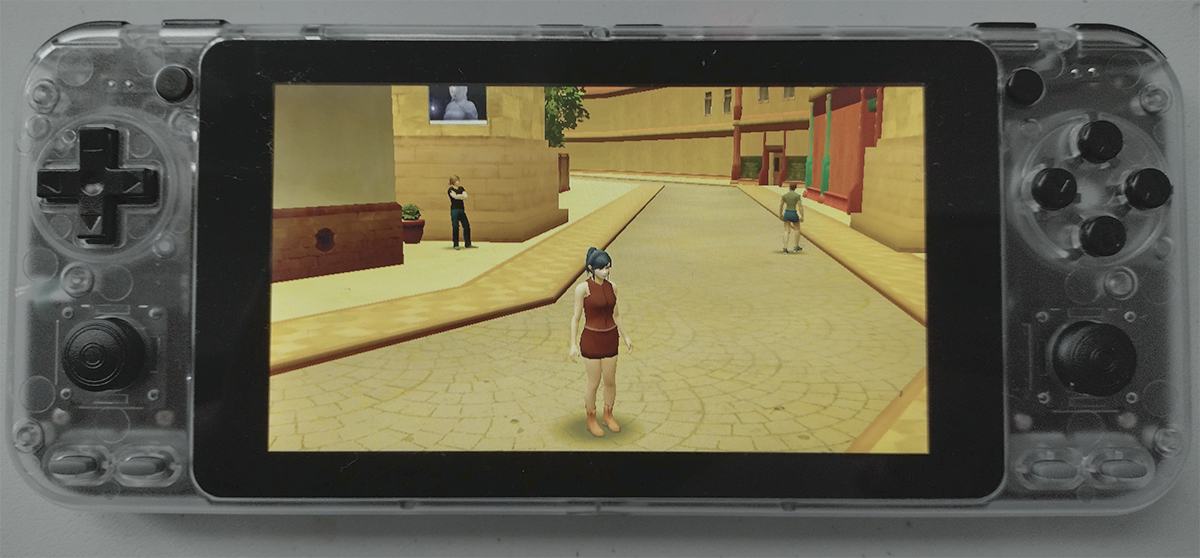
Ostinato works on Odroid Go Advance and Odroid Go Super devices.
|
|
And that's how to make this happen.
First connect to your Odroid device through SSH. You can find out the IP address of your Odroid device in Settings/Network Info. The default password for 'odroid' user is 'odroid'.
ssh odroid@<ip>
At this point it makes sense to run the following command to maximize the device performance.
/usr/local/bin/perfmax
Next, install build-essential and libdrm-dev.
sudo apt install build-essential libdrm-dev
Clone the repository and fetch the Odroid build and run scripts.
			git clone https://github.com/glebnovodran/ostinato.git --depth 1

			wget https://glebnovodran.github.io/notes/odroid/build_odroid.sh

			wget https://glebnovodran.github.io/notes/odroid/run_odroid.sh
Execute the build.
./build_odroid.sh -O3 -flto
Before running Ostinato we need to stop EmulationStation.
systemctl stop emulationstation
Run Ostinato (-res2d_scl option is to scale the UI font size).
./run_odroid.sh -res2d_scl:0.5
run_odroid.sh sets up the reduced rendering parameters, such as use of vertex lighting and pseudoshadows.
Also, at the moment Ostinato supports keyboard and mouse control only, so run_odroid.sh sets up a 'redirection' of the Odroid joypad using -kbd_dev option .
The analogue sticks support will be added later.
-kbd_dev:/dev/input/by-path/`ls /dev/input/by-path | grep "joypad-event"`
The shader compilation time is rather long on Odroid - it can take about 1 minute to compile Ostinato shaders.
There is an option to save precompiled shaders and use them in the subsequent runs.
To save the compiled shaders:
			mkdir ./bin/prog/gbin
			./run_odroid.sh -glsl_bin_save:gbin
To run with the precompiled shaders:
./run_odroid.sh -glsl_bin_load:gbin